Facebook Ads for Chiropractors 101
Copy, creative, targeting—and what to do after the click. Real settings, scripts, and KPIs.
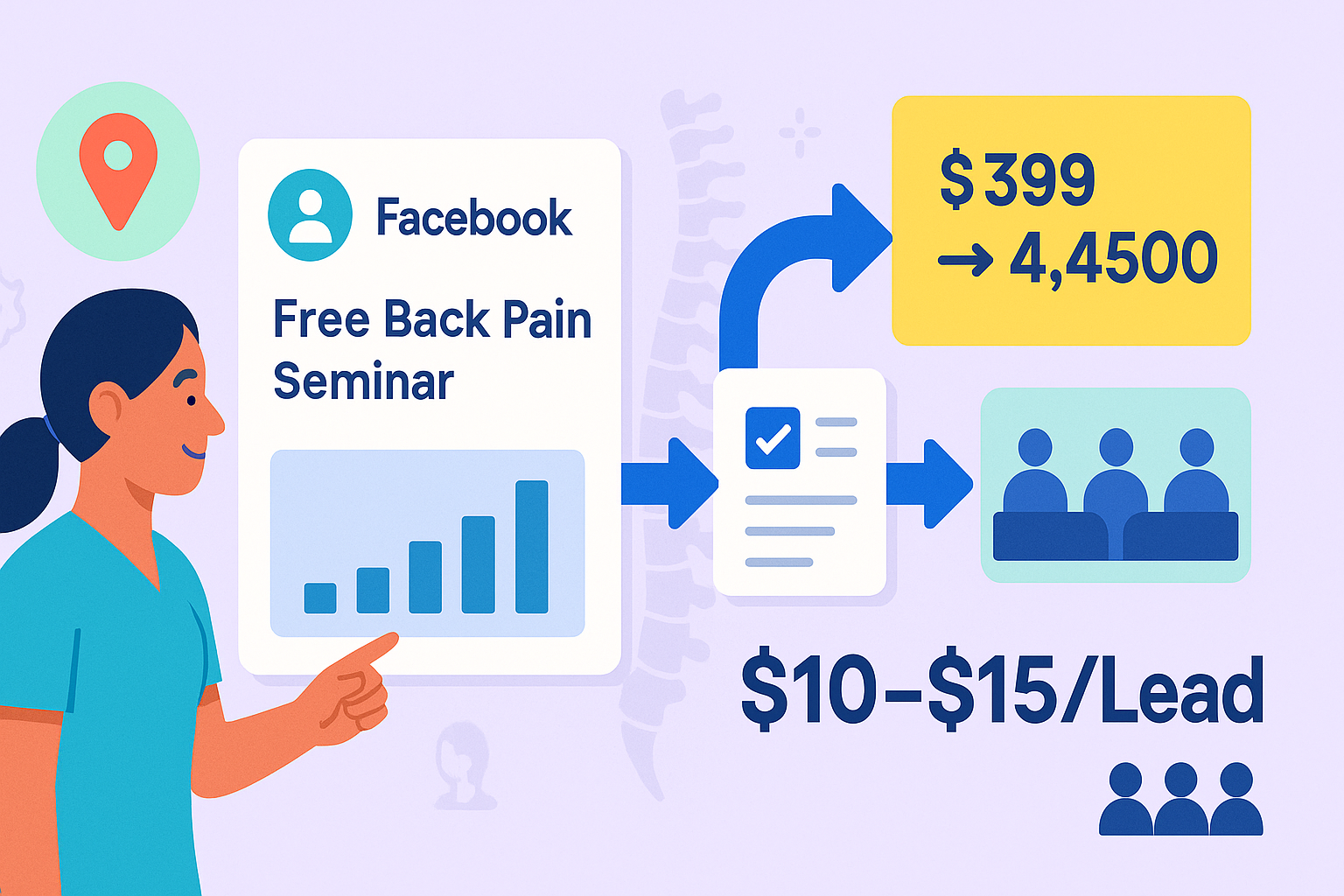
Facebook Ads for Chiropractors: Fill a Local Seminar for $10–$15/Lead (Step-by-Step Guide)
This is the practical guide—no fluff. You’ll set up Meta (Facebook/Instagram) ads that fill a free local back-pain seminar for $10–$15 per RSVP, then convert seats into $399 Starters and $4,500 plans using the right follow-up.
New here? See how the seminar engine turns seats into plans: /how-it-works
Want personalized fixes first? Scheduling → /analyzer • Cash Flow → /cash-flow-analyzer
What “good” looks like (targets to aim for)
- CPL (cost per RSVP): $10–$15 (small towns may see $15–$25)
- Click-through rate (CTR all): ≥1.0%
- Landing page CVR or Lead form CVR: 20–35%
- Show rate (in room): ≥70% with reminders
- Starters sold (in room + 48h): 40–60% of attendees
- Plan uptake from Starters: 60–70%
Budget rule of thumb: plan for 20–30 RSVPs per event → $200–$450 ad spend.
Offer first: why “Free Consult” fails, and “Free Seminar” wins
- “Free consult” = vague, low trust, tire-kickers.
- Free local seminar = specific topic, value first, group trust.
- You teach 45 minutes, then invite one clear next step: $399 Starter (credits into $4,500 program with 10% window).
Seminar title example:
“Fix Back Pain Without Drugs or Surgery — Free Local Seminar”
Date/time + neighborhood, friendly photo, simple benefits, seat limit.
Campaign setup (exact settings)
Campaign Objective: Leads
- Works for both Instant Forms (lead forms) and Website conversions (landing page RSVPs).
- Create two ad sets: one to a Lead form, one to a Landing page (A/B which wins in your town).
Conversion Location:
- Lead form ad set: Instant Forms
- Landing page ad set: Website with Conversion event = “Lead/RSVP”
Budget:
- Start $20–$30/day per ad set (2 ad sets = $40–$60/day) 10–14 days pre-event.
Bidding/Optimization:
- Advantage+ placements (let Meta distribute).
- 7-day click (default) is fine.
- No manual bids at start.
Attribution:
- 7-day click / 1-day view (default). Don’t obsess—watch KPIs.
Targeting (keep it simple)
Geo:
- 10–20 miles around clinic (dense city: 5–10; rural: up to 25).
Age:
- 30–65+ (adjust if your practice skews older/younger).
Interests (optional—often broad works best):
- Back pain, sciatica, posture, physical therapy, fitness & wellness.
Audience notes:
- Try Broad first (no interests) with strong creative—Meta is good at finding intent.
- If CPMs spike, layer 2–3 interests lightly.
Creative that stops the scroll (and why)
Image ideas: smiling doc, seminar photo, “Free Back Pain Workshop” badge, simple room graphic.
Avoid: cluttered collages, tiny text, scary anatomy.
High-performing hook lines (primary text):
- “Back pain stealing your day? Join our free local workshop and learn what actually works—no drugs or surgery.”
- “Sit, stand, or sleep without that nagging pain. Free Back Pain Seminar in {{Neighborhood}}. Seats are limited.”
- “Tired of bouncing between quick fixes? Free workshop: causes, fixes, and an action plan you can start this week.”
Headlines (short):
- “Free Local Back Pain Seminar”
- “Back Pain Workshop — {{Date}}”
- “Seats Limited — RSVP Free”
Description (optional):
- “Learn causes, fixes, and next steps. {{Location}} — {{Date/Time}}.”
CTA button:
- Sign Up
Pro tip: Use 3–4 image variants + 2 copy variants. Kill the lowest performer on day 3; let the best spend.
Lead form vs Landing page (which should you use?)
Lead Form (Instant Form):
- Pros: Lowest friction; often cheapest CPL.
- Cons: Slightly lower show rate if you don’t call in <60s.
- Use when: you want quick volume; your front desk can contact <60 seconds.
Landing Page:
- Pros: Pre-frames better; higher show rates.
- Cons: Slightly higher CPL; page must load fast.
- Use when: you want better quality; you have a good page and fast hosting.
Best practice: run both and let data decide for your town.
Build the RSVP (copy you can steal)
Lead Form — thank you screen message:
“You’re in! Check your text for details.
We’ll hold your seat and send reminders so you don’t miss it.”
Landing Page sections:
- Headline: “Fix Back Pain Without Drugs or Surgery — Free Local Seminar”
- Subhead: 3 bullets (causes you can control, what to do this week, when to see a specialist)
- Date/Time/Location (map embed)
- Photo (doc/seminar)
- Short form: Name, Email, Mobile (✓ consent for reminders)
- Trust: 3 short reviews
- What happens next: “We’ll confirm by text and email; you’ll get reminders T-24h/T-2h/T-30m.”
Tracking that actually works
UTMs (put on LP links and form thank-you buttons):
utm_source=facebook&utm_medium=cpc&utm_campaign=seminar&utm_content={{ad_name}}
GA4 events to watch:
generate_lead(RSVP)view_item(LP viewed)begin_checkout(if you have a separate confirm step)click_to_call/outbound_clicks
In Ads Manager columns:
- Cost per result, CTR (all), Link CTR, Landing Page Views, Leads, Quality ranking.
- Breakdowns: by placement, age, gender.
The money is after the click (your follow-up SOP)
Speed-to-lead < 60 seconds (during business hours)
- Call script:
“Hi {{First}}, saw your RSVP for our Back Pain seminar on {{DATE}}. Any quick questions about parking or timing? I’ll text details and hold your seat.”
Reminders (raise show rate to 70%+):
- T-24h SMS: “Reminder for tomorrow {{TIME}}. Need a different date? Reply here.”
- T-2h SMS: “See you at {{TIME}}. We’ll have seats reserved.”
- T-30m SMS: “We’re ready for you. Parking info: {{Tip}}.”
In-room flow (45 minutes):
- Teach calmly: causes, fixes, expectations.
- One invite at the end:
“If you want a structured first step, we offer a $399 Starter—exam, imaging if indicated, report of findings, and first treatment. If you continue, that credits into your plan, and there’s a 10% courtesy while you’re in the Starter.”
On-the-spot booking (front desk):
- “I can do {{Tue 5:40}} or {{Wed 11:20}} for your Starter—want me to lock one?”
Budgets & pacing (14-day example)
Day 1–2: Launch 2 ad sets (Lead Form + Landing Page), $25/day each.
Day 3: Kill worst creative; duplicate the best; keep spend.
Day 5: If CPL > $20, widen geo +5 miles; add fresh image.
Day 7: Raise best ad set to $35/day if CPL ≤ $15.
Day 10–12: Push to $45–$60/day if you still need RSVPs.
Day 13–14: Hold spend; shift effort to reminders and speed-to-lead.
Goal: 20–30 RSVPs by event day.
Compliance & tone (keep it clean)
- Avoid claims like “cure” or guaranteed outcomes.
- Use education language: “learn about causes/fixes,” “what to do next.”
- No PHI in ads or public comments.
- Use patient-friendly images; avoid scary imagery.
Troubleshooting (fix the constraint, not everything)
| Problem | Likely Cause | Fix |
|---|---|---|
| CPL > $20 | Weak creative / too narrow geo | Add 2 new images; broaden radius by 5–10 miles |
| CTR < 1% | Hook isn’t resonating | Test new opener lines (see hooks above) |
| LP CVR < 20% | Slow page / too much form friction | Compress images; fewer form fields; tighten copy |
| Many RSVPs, empty room | No reminders / no speed-to-lead | Add T-24h/T-2h/T-30m; call within 60s |
| Low Starter uptake in room | Invite unclear / no value recap | Show “what’s included” slide; make one calm invite; offer 2 times |
| Low plan uptake from Starters | Consult too fast / no price sheet | Use printed sheet; circle and pause; add one proof story |
Copy vault (steal these)
Primary Text 1
Back pain stealing your day? Join our free local workshop and learn what actually works—no drugs or surgery. Seats are limited.
Primary Text 2
Sit, stand, and sleep without that nagging pain. Free Back Pain Seminar in {{Neighborhood}}. Simple steps you can start this week.
Headlines (choose one)
- Free Local Back Pain Seminar
- Back Pain Workshop — {{Date}}
- Seats Limited — RSVP Free
Lead form questions
- Full Name (short answer)
- Mobile (short answer)
- Email (short answer)
- Consent checkbox: “Yes—text/email reminders about this event.”
KPIs to post on the wall (update twice a week)
- RSVPs (goal: 20–30)
- CPL (goal: $10–$15)
- Show rate (goal: ≥70%)
- Starters sold (goal: 40–60% of attendees)
- Plan uptake (goal: 60–70% of Starters)
- Collections (front + back-end)
Your 7-Day Launch Checklist
- Pick a date 14–21 days out
- Build Lead Form ad set + Landing Page ad set
- Load 3–4 images and 2 copy variants
- Add UTMs and GA4 generate_lead event
- Train speed-to-lead (<60s) with front desk
- Turn on T-24h/T-2h/T-30m reminders
- Put the KPI scoreboard on a wall
Want to sanity-check your ad-spend-to-revenue math before you launch?
Run the Cash Flow Analyzer: /cash-flow-analyzer
Need to fix show rates first? Scheduling Analyzer: /analyzer
Fill the room for $10–$15/lead. Teach first. Invite once. Then let your consult and price sheet do the rest.
Ready to see whether the system fits your clinic?
If the article made the bottleneck feel clearer, use the 20-minute strategy call to look at the offer, the rollout expectations, and whether the model makes sense in your market.